
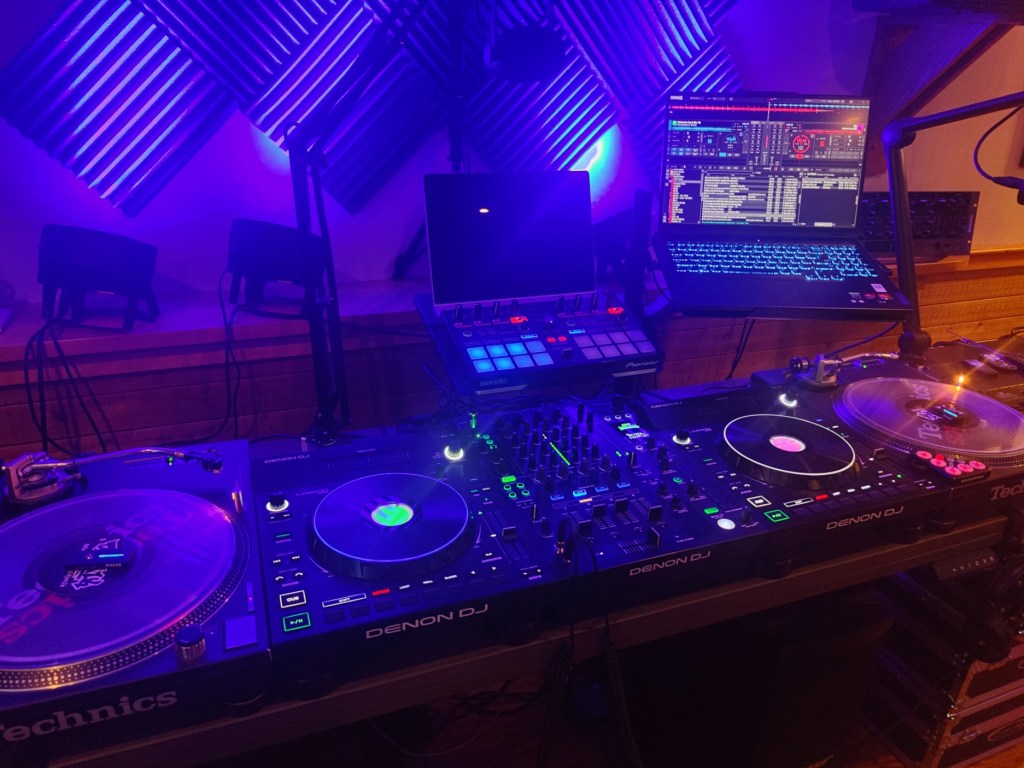
Beanpot Studios just got an upgrade! The new laptop has arrived, and with it the processing power to unlock more creative possibilities, namely real-time stems separation.
For the unindoctrinated, stems refer to the various elements of a song, like vocals, instruments, bass, kick and hats. Think on-demand acapellas and instrumentals. Previous versions of Virtual DJ had this capability, but it was the first attempt, and it was a bit rough. The first version output lower quality elements of a song, partly due to the algorithm, and partly due to processing limitations. When VDJ 2023 was released, so was Stems 2.0 which is a far more enhanced algorithm. At this point DJ’s have three choices. One is to plan ahead, pre-process your files, save the aggregate parts, and use those stems in a later performance. The second option is to do it in real-time. This, of course, comes at a high compute cost that may affect the performance of VDJ as a whole, so those of us with older computers have to use the previously released low quality algorithm, or the third option, upgrade to the latest and greatest hardware!
If you know me, you know which route I took. Preparing stems in advance would require me to prepare large portions of my sets in advance. I never do this, opting for a more freestyle approach to my sets. With live streaming, I tend to let the creative juices flow, and often times I’m breaking new music. On the road, I like to react to the crowd as well, so if I need an acapella quick, bam, I got one!
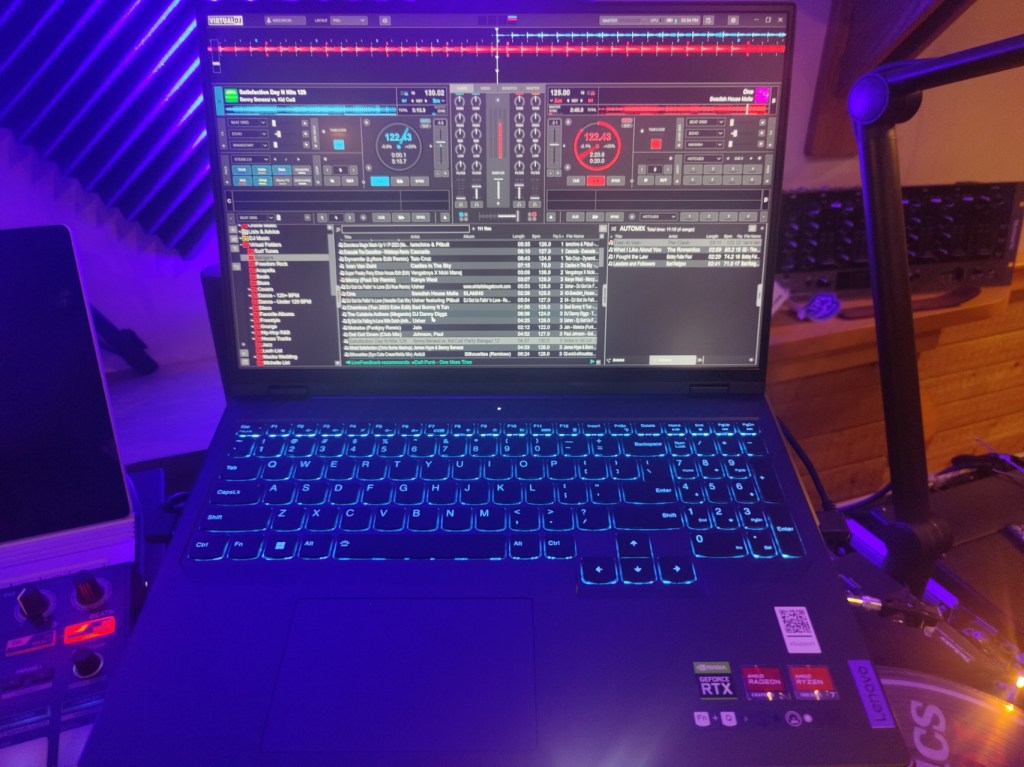
Virtual DJ 2023 using high-quality Stems 2.0 in real-time requires the use of a powerful PC which includes a NVidia Geforce RTX GPU. Normally these are used for gaming purposes (and crypto mining), but the GPU compute capabilities of this line is well suited for complex mathematical processing, like stems separation. I have been stewing over the idea of an upgrade for a bit now, and the right deal finally came along. I recently took delivery of a Lenovo Legion Pro 5, Gen 8 gaming laptop. Its 16 inch 16:10 screen is a small downgrade from my previous 17 inch ThinkPad but the screen itself is crisp and bright. It is packed with goodies, including 32gb RAM, 1tb SSD, AMD Ryzen 7 7745HX processor, on-board ATI Radeon graphics, and the star of the show, discrete NVidia Geforce RTX 4070 graphics card. Due to my large music collection, I popped in a Samsung 980 Pro M.2 SSD for an additional 2tb of storage. The additional Radeon graphics card will be dedicated to video output to the broadcast rig, delivering HD overlays of song info as well as graphical visualizations, or “Shaders”.
Getting Windows stood up, upgraded to 11 Pro, cleaned of bloatware, updated and tuned for performance was a breeze. After installing apps and hardware drivers for the various components of my rig, I migrated my libraries and databases to the new machine. VDJ fired up just as it had on the previous laptop with all hardware in-place and optimized. All music, meta data, art, cue points, play count, history, virtual folders, and so on, intact and ready to play. Even leftovers in Automix were still there. All I had to do was bump up to high-quality stems, tell it to use the new GPU, and tune some controller options in the software. Suffice to say, my first practice sesh was lit!
You’ll have to join me to see it all in action with the addition of a few more new upgrades to Beanpot Studios, like DMX uplighting! Although I need a bit more time to get used to the additional features, it is my aim to go live sometime within the next 2 weeks. Don’t miss it. Head over to https://www.mixcloud.com/djm1k and follow me for real-time news and updates on future shows. Alternatively, or in addition, follow me on Instagram @djm1kmixcloud.
DJM1K
 Beanpot Radio
Leave a comment